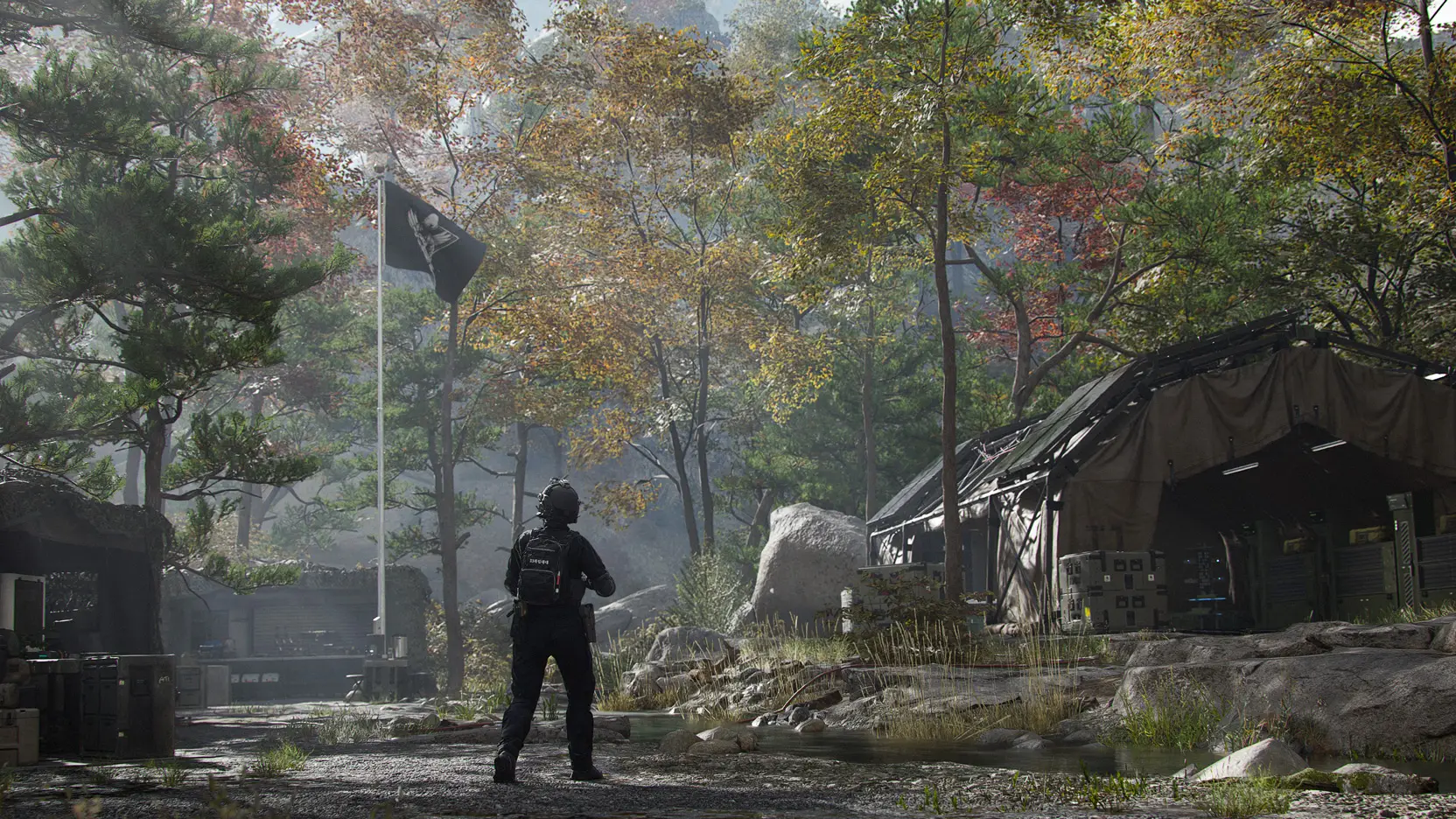
FOB
Forward Operating Base reference -- the between-runs hub, its stations, economy, and progression, from the official Deep Dive.
FOB stations at a glance
Per Activision's Deep Dive Part 1 (pre-release), the Forward Operating Base starts as a foothold and grows into a full base of more than a dozen stations as you complete Operations across Hajin.
Available from the start
- Operators (Active Duty)Manage your Operators: check their status, upgrade their Traits and choose who deploys.
- Stash/LoadoutStore extracted loot of every kind between runs, and set the weapons and gear you take into the next infil. Items in the Stash are shared by all Operators, and the Stash is upgraded in the 3D Printer Upgrades menu (Source: official FOB Station Intel graphics, observed by Justin, 2026-10-09). The June Deep Dive described Stash size as growing as you rank up.
- DMZ OrdersThe mission directives that guide you through DMZ, onboard new players and carry the story.
- Firing RangeA wooded range for testing weapons and optics against targets from close up to beyond 100 meters.
- Survival KitsThemed packs of loot you open to gear up or to use for crafting.
- Weekly Top 50 lists of Most Wanted players (Killers) and Bounty Hunters, viewable globally or among Friends; available immediately (Source: official Bounty Leaderboard FOB Station Intel graphic, observed by Justin, 2026-10-09). Deep Dive Part 1 listed it among the stations that unlock as you progress.
- Deployalways availableThe way out: past the razor wire to the heavy-lift helicopter that starts every deployment.
Unlocks as you progress
- Crafts gear from Printer Resources and 3D Printer Ingredients, and upgrades other FOB stations when you have the required loot. Unlocks at DMZ Player Level 2 (Source: official FOB Station Intel graphics, observed by Justin, 2026-10-09).
- Spend DMZ Cash on attachments for looted weapons or build new ones; extracted Weapon Manuals widen what you can build.
- Sells weapons and other items for DMZ Cash, with stock that changes from day to day.
- Boss BoardBuy intel on Lieutenants so you can hunt them down; it also carries information on Commanders.
- Dog Tag CaseShows the Dog Tags you have taken from defeated Operators, with favorites you want to keep.
- DMZ ProgressionThe DMZ progression track to level 70, awarding Printer Recipes, FOB station unlocks and other rewards.
Using stations and the Stash (official FOB Station Intel graphics, observed by Justin, 2026-10-09)
- Getting to a stationWalk up to a station in the base, or open it from the left-side blade menu. Some stations are available immediately; others unlock at a DMZ Player Level.
- Stash sortingSorted by Type, then Rarity, by default; the menu can sort by Rarity, then Type, and identical stacks can be merged.
- Item rarityLowest to highest: Common (gray), Uncommon (green), Rare (blue), Epic (purple), Legendary (orange), Ultra (red).
Survival Kits: Part 1 on the Call of Duty blog lists it among the stations available from the start; the PlayStation Blog overview of the same stations (Oct 5, 2026) does not include it.
Sources: DMZ Deep Dive, Part 1 (Call of Duty blog, Oct 5, 2026); Official FOB Station Intel graphics, observed by Justin, 2026-10-09; Official Bounty Leaderboard FOB Station Intel graphic, observed by Justin, 2026-10-09
Activision has announced a Part 2 that tours every FOB station in full. This section will be updated when it is published.